Your footage. AI-edited.
Brand-perfect. In minutes.
Pull clips from anywhere. ENCORE understands what's in them, applies your brand kit, and produces polished content — without you touching a timeline.
Start Free — Edit Your First Video Today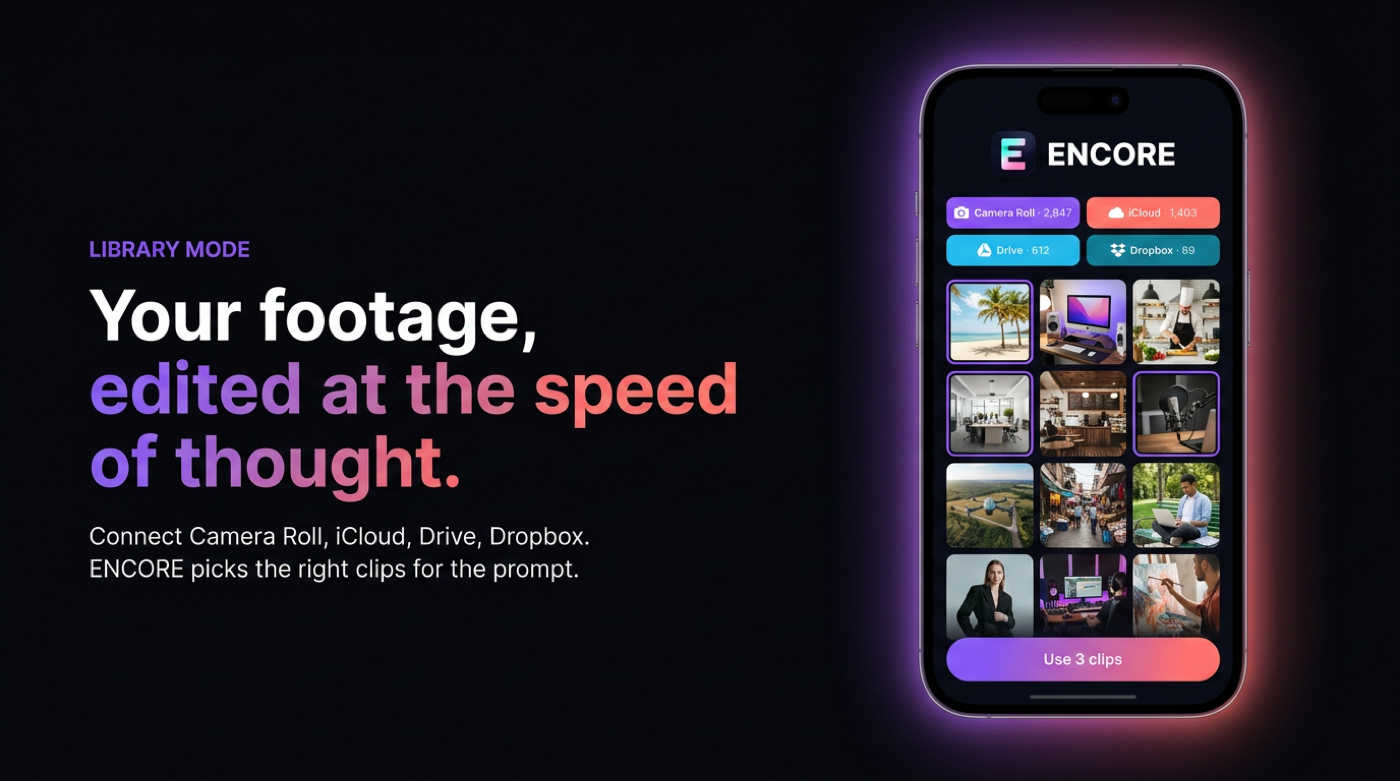
Library Mode, on your real footage.
Your footage, edited at the speed of thought.
Pull clips from anywhere. ENCORE understands what’s in them, applies your brand kit, and produces a polished, on-brand edit — no timeline required.
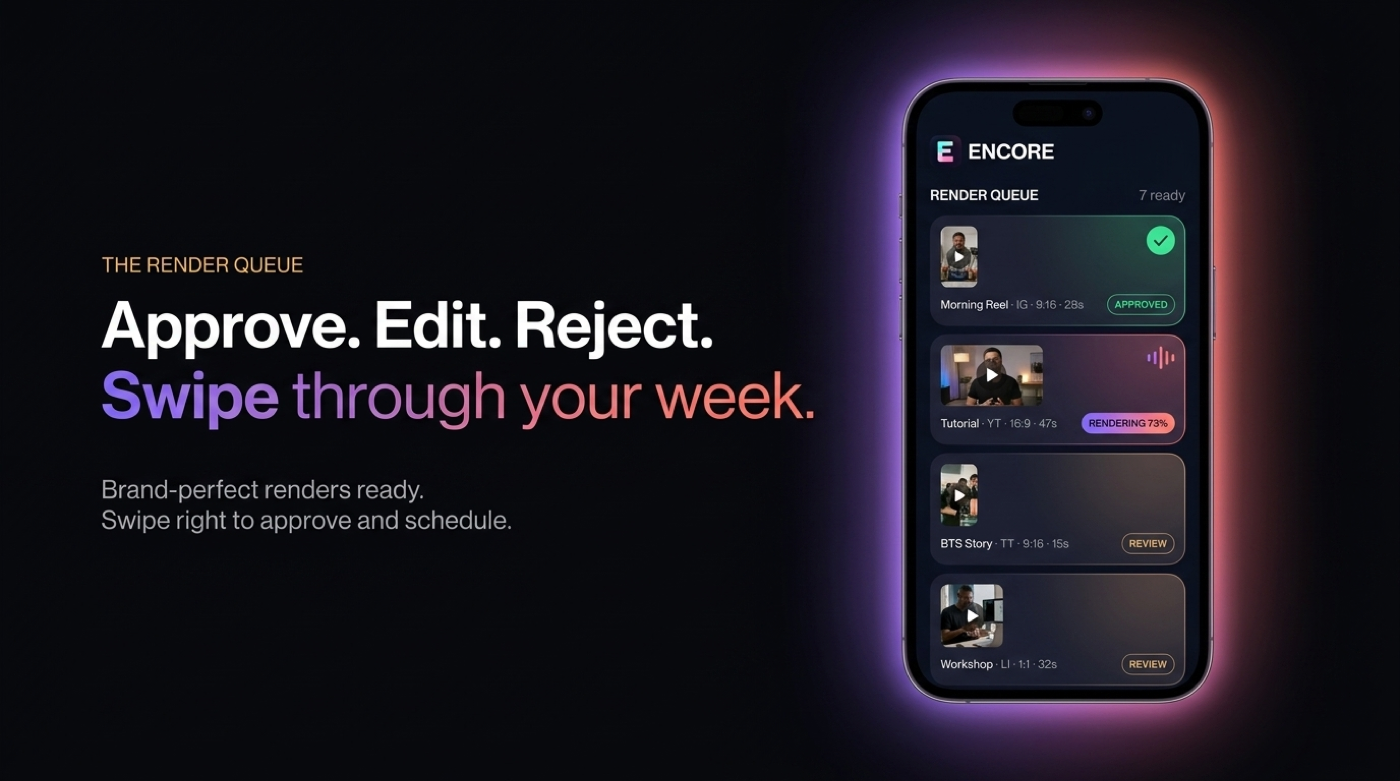
Brand-perfect renders, ready to ship.
Every cut lands in your render queue — captioned, reformatted for six channels, and matched to your brand kit. Approve and publish.
How Library Mode Works
Connect your library
Pull footage from Camera Roll, iCloud Drive, Google Drive, or Dropbox. ENCORE indexes your library — understanding faces, scenes, audio, and mood.
Prompt or pick
Type what you want: "60-second motivational reel from last week's shoot." Or browse your indexed library and select clips manually.
Brand kit applied automatically
Your colors, fonts, logo placement, caption style, and music preferences are applied to every edit — without you touching a single setting.
Review + ship
Review the AI-generated edit. Make any tweaks. Confirm channels and timing. Tap Ship.
What Library Mode Replaces
Library Mode Specs
Camera Roll · iCloud · Google Drive · Dropbox
9:16 · 16:9 · 1:1 · 4:5
Gemini 2.5 · Whisper Large v3
10+ branded caption templates
Licensed library (500+ tracks) + custom upload
Colors · Fonts · Logo · Intro/Outro · Caption style · Music
60 min input · 60 min output
2–8 minutes depending on length